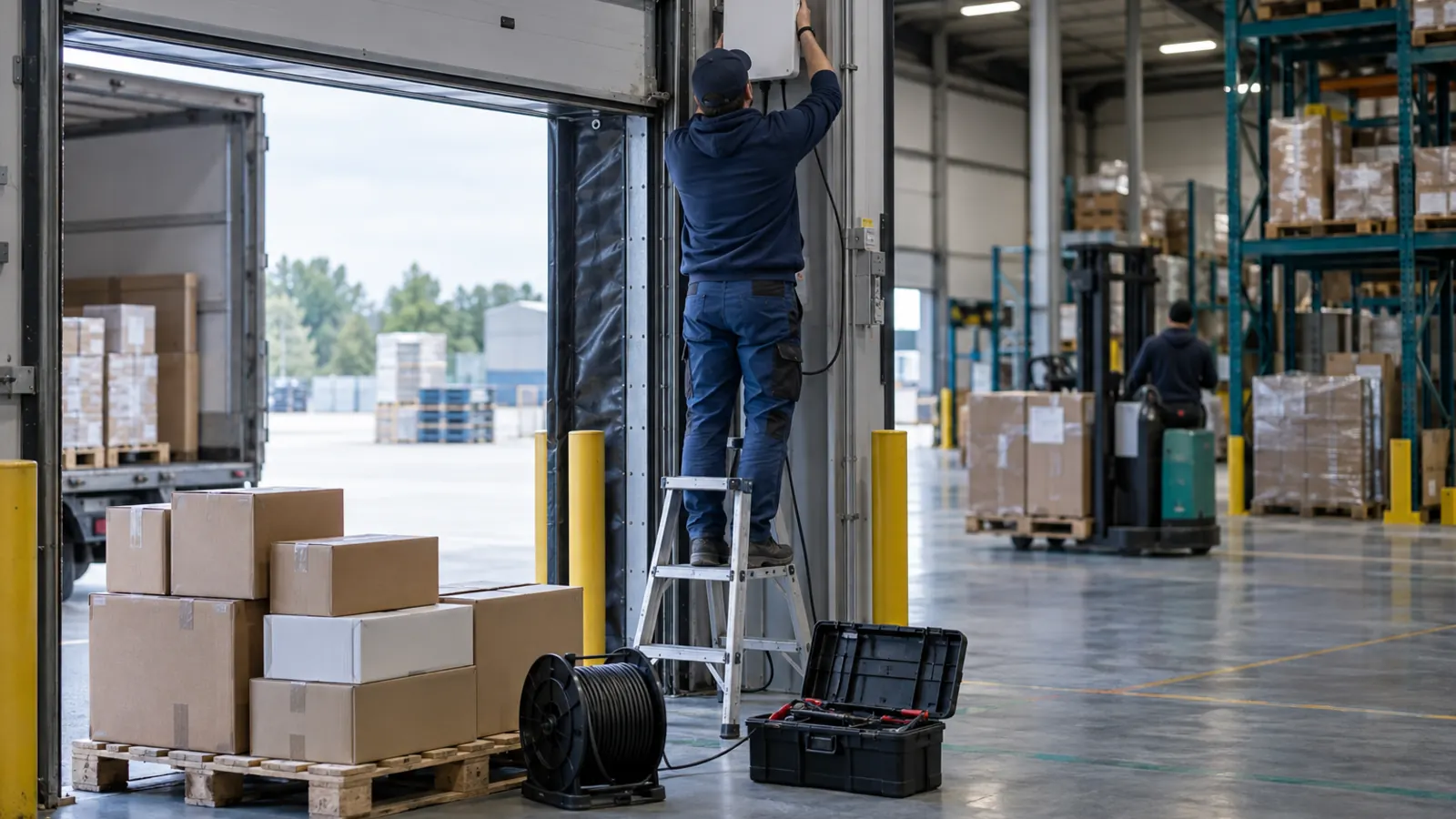
In an RFID demonstration, a handheld reader captures hundreds of tags in seconds and a pallet passes through a portal while the system reports its contents. In the real warehouse, however, the project can stall: tags do not read on certain products, the portal records cases that never crossed, the figures do not match and the team returns to barcodes.
In most cases, the cause is insufficient preparation. These are the seven most frequent mistakes and how to avoid them.
1. Starting with the technology instead of the decision it changes
"We want RFID" is not a goal. A goal is "count finished goods every week instead of once a year" or "no shipment leaves with the wrong pallet." Each case calls for different equipment, tags and processes: a handheld count looks nothing like shipment validation with a fixed portal.
Before requesting quotes, write down the use case and measure the baseline: how long the count takes today, how accurate it is, how many shipments leave with errors. Without that figure, it will not be possible to evaluate the result of the investment. The guide RFID or barcode helps decide whether the case justifies RFID or barcodes are enough.
2. Not testing the tag on the real product
UHF radio behaves differently depending on the material. Metal reflects the signal and liquids absorb it, so a tag that reads at several meters on a cardboard case may not read at all on a can, a jug or a drum. Tag orientation, packaging and even the spacing between products on the rack change the result.
The only valid test is with the real product, in its real packaging, in the real location. Ask your tag supplier for samples of several models, including on-metal tags if you need them, and compare them in your warehouse before buying a full roll.
3. Buying equipment configured for another region
UHF readers and tags operate in different frequency bands around the world. In Mexico, standard NOM-208-SCFI-2016 regulates frequency-hopping radio equipment operating in the 902 to 928 MHz band (Official Gazette of Mexico), the same band used in the United States and Canada. A reader bought for Europe, which uses another band, may not be authorized in Mexico or deliver the same performance. US companies can usually reuse North American equipment in Mexico, but should confirm each model is approved for Mexican use.
When buying, get written confirmation that the reader is configured and approved for Mexico and that the tags are tuned for that band.
4. Encoding tags without a scheme
Every RFID tag stores an identifier called an EPC. If each area or supplier writes that number with its own criteria, the result is duplicate tags, meaningless numbers and reads the system cannot link to a product.
The GS1 EPC Tag Data Standard defines how to encode the EPC, for example with the SGTIN scheme, which combines the GS1 product code with a serial number (GS1, EPC Tag Data Standard). If your company does not use GS1 codes, define your own documented, non-repeating scheme before printing the first tag.
5. Expecting perfect reads without reconciliation
An RFID reader does not read "what crossed the portal": it reads the tags in its field. That includes the pallet that passed, but also the one waiting two meters away, the case left by the door or the product from another order. If every read is expected to match exactly, the team loses confidence in the system within the first week.
The right approach is to reconcile every read against what the document expects and classify the differences. In Chainlink WMS, a portal validation compares what was read with what a receipt, shipment or transfer expects and separates expected items, items belonging to another open document, unexpected items and unknown tags; a tag read many times counts as a single unit. Portal placement, reader power and staging areas are tuned during the pilot.
6. Tagging all inventory at once
Tagging is the largest labor component of an RFID project. Tagging all inventory before validating the process multiplies the cost of any correction: a wrong encoding scheme or a tag that will not read means retagging.
Start with one zone, one product family or one flow, such as one customer's shipments. Also decide who tags: the supplier at origin, your team at receiving or the production line. Each option has a different cost and quality control.
7. Keeping reads outside the WMS
An RFID system separate from the WMS produces lists of read tags that must be compared with inventory by hand, a task that is abandoned within weeks. Reads are only useful when the same system that keeps inventory receives them, links them to product, lot and location and compares them with a count or a document.
In Chainlink, RFID is part of the Professional and Enterprise plans. With the Zebra RFD40 sled on a TC27, the app links each EPC to product, lot, serial number, pallet and location; in an RFID count, each section's reads go into the count and unknown tags are reported as discrepancies. The Zebra FX9600 and STid SPECTRE fixed readers are field-verified with Chainlink Wizard, which configures them and sends their reads to your instance.
A four-week pilot
A scoped pilot answers the relevant questions before the full investment:
- Week 1. Use case and baseline. Define the use case, measure the current process and choose the pilot zone or flow.
- Week 2. Tags. Test several models on the real product and pick one. Define the encoding scheme.
- Week 3. Operation. Tag the pilot zone and run the new process with real equipment and the people who will use it.
- Week 4. Results. Compare against the baseline: time, accuracy and discrepancies found. Decide whether to expand, adjust or stop.
Frequently asked questions
Why does an RFID tag not read on metal or liquids?
Metal reflects the UHF radio signal and liquids absorb it, so the tag does not receive enough energy to respond. There are tags designed to be mounted on metal; in any case, the tag must be tested on the real product.
Which RFID frequency is used in Mexico?
UHF RFID readers in Mexico operate in the 902 to 928 MHz band, regulated by NOM-208-SCFI-2016, the same band as the United States and Canada.
How long should an RFID pilot take?
For a scoped case, such as counting one zone or validating one customer's shipments, four weeks is usually enough to test tags, run the new process and compare results against the baseline.
Share this article: LinkedIn